How to Find Documents on Your Phone
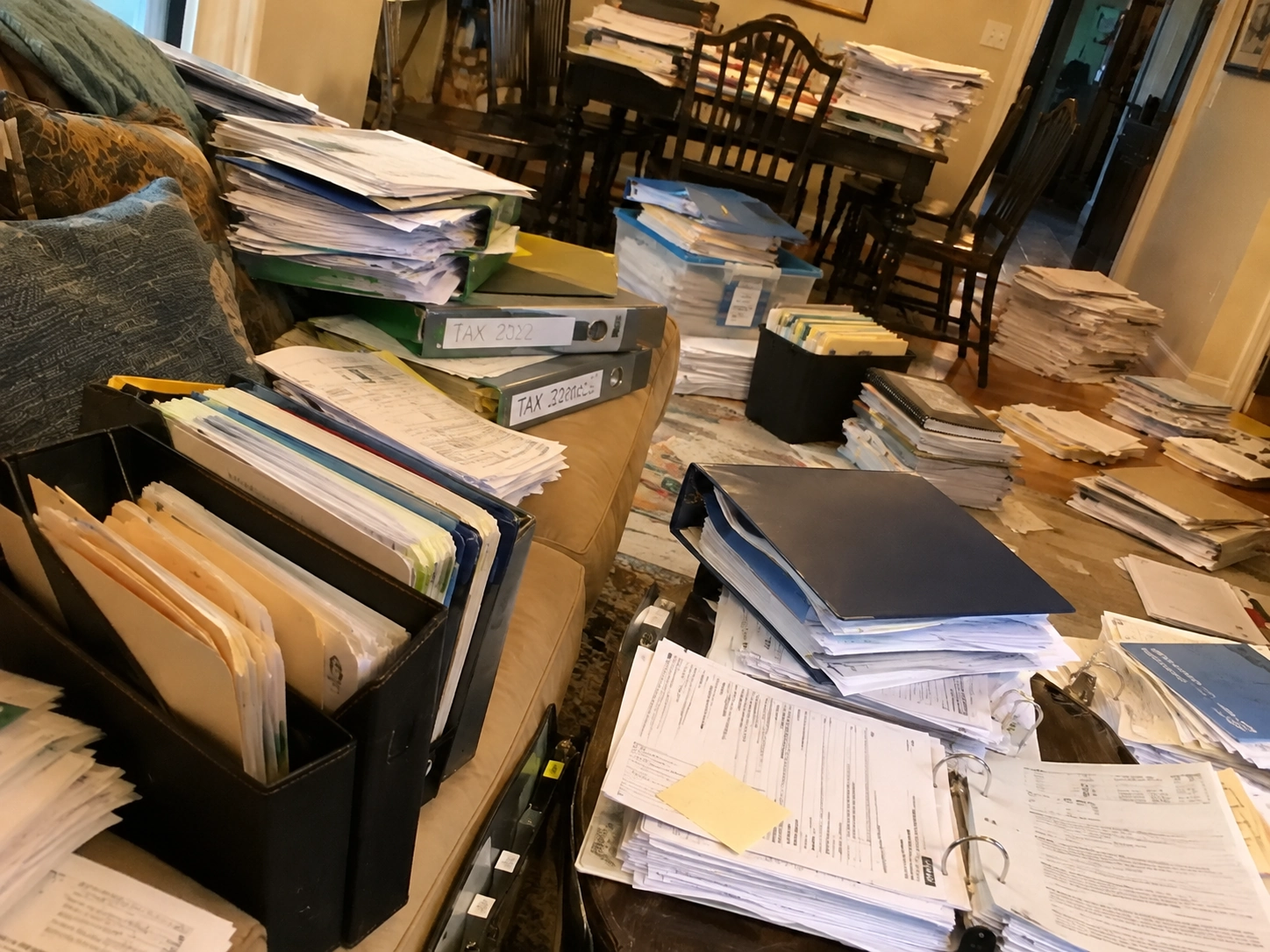
You know the document exists.
That is what makes the situation so frustrating.
You remember seeing it. You may even remember reading it. Perhaps you downloaded it, photographed it, received it in a message, or opened it from an email.
But now somebody needs it and you cannot remember where it went.
Modern smartphones give us enormous amounts of storage, yet important information can still feel impossible to retrieve.
The reason is fragmentation.
A single phone can contain documents in many different places, and each location has its own search system.
Understanding that fragmentation is the first step toward finding files faster.
Think About How the Document Reached You
Before searching randomly, ask yourself one question:
How did I probably receive this document?
If it came from a colleague, friend, doctor, customer, or family member, it might have arrived through a messaging application.
If it came from a bank, insurance provider, service, online purchase, or professional organization, email may be more likely.
If you downloaded it from a website, look in the phone’s downloads or file-management area.
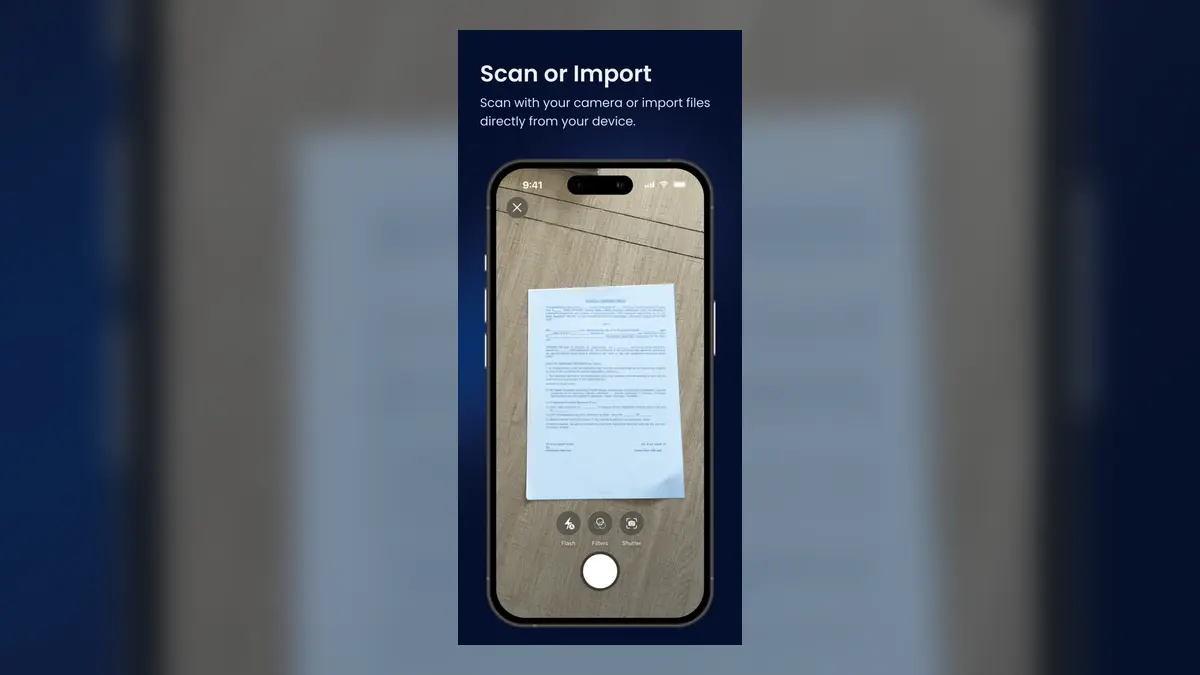
If somebody handed you a physical page, perhaps you photographed it.
This approach narrows the search.
However, memory is unreliable. Months later, you may remember the document but completely forget how it reached you.
That is why a dedicated document archive becomes useful.
Search Your Email Intelligently
If you believe the document arrived by email, avoid searching only for generic words such as “document” or “PDF.”
Use context.
Search for the sender’s name, company, subject, invoice number, relevant date, or an unusual word associated with the document.
For example, if you are looking for an invoice from a dental practice, searching the dentist’s name may be more useful than searching “invoice.”
If the email contains an attachment, download it once you find it and consider moving important files into a dedicated archive so you do not need to repeat the search later.
Email is excellent for communication, but it was never designed to become your permanent personal filing cabinet.
Search Messaging Applications

Messaging apps create a similar problem.
You may receive an important file in the middle of hundreds of ordinary conversations.
Months later, you remember the document but not who sent it or in which conversation it appeared.
If you know the likely person or group, open that conversation first.
Search for relevant terms and inspect shared documents or media.
Again, context is your best tool.
The larger issue is that every messaging platform is its own small universe.
Finding something in WhatsApp does not automatically help you search email, your photo gallery, downloads, or another app.
This is one reason important documents become difficult to manage.
Check Downloads and File Storage
Many documents are downloaded once and then forgotten.
A browser may have saved a PDF into a Downloads folder. Another application may have created its own directory.
Search the file manager using any filename fragment you remember.
If you do not remember the filename, browse by recent or modified date if you have a rough idea of when the file was received.
File managers can be effective when documents have meaningful names.
They become less helpful when files have names such as document_4927.pdf, scan_0048.pdf, or long numerical strings.
That is why naming is part of retrieval, not just organization.
Search Your Photo Gallery
Sometimes the “document” is not technically a document at all.
It is a photograph.
You may have taken a picture of your passport, receipt, medical report, business card, prescription, invoice, or contract.
The difficulty is obvious: that image now lives alongside every other photograph you have taken.
If your gallery contains thousands of images, manual scrolling quickly becomes inefficient.
Try narrowing by date, album, or any search capability your gallery provides.
Once found, move important document images into a system created specifically for document management.
Your gallery should be a capture point, not necessarily the final archive.
Search Using What You Remember, Not What the File Is Called
This is the idea that inspired DocuRadar.
When people remember documents, they often remember content rather than filenames.
Imagine that you need an old medical invoice.
You may not remember whether it was named:
Invoice_2192.pdf
Doctor_2026.pdf
or something else entirely.
But perhaps you remember:
Dr. Anderson.
Dental clinic.
Root canal.
Dentist.
€250.
Those memories are useful.
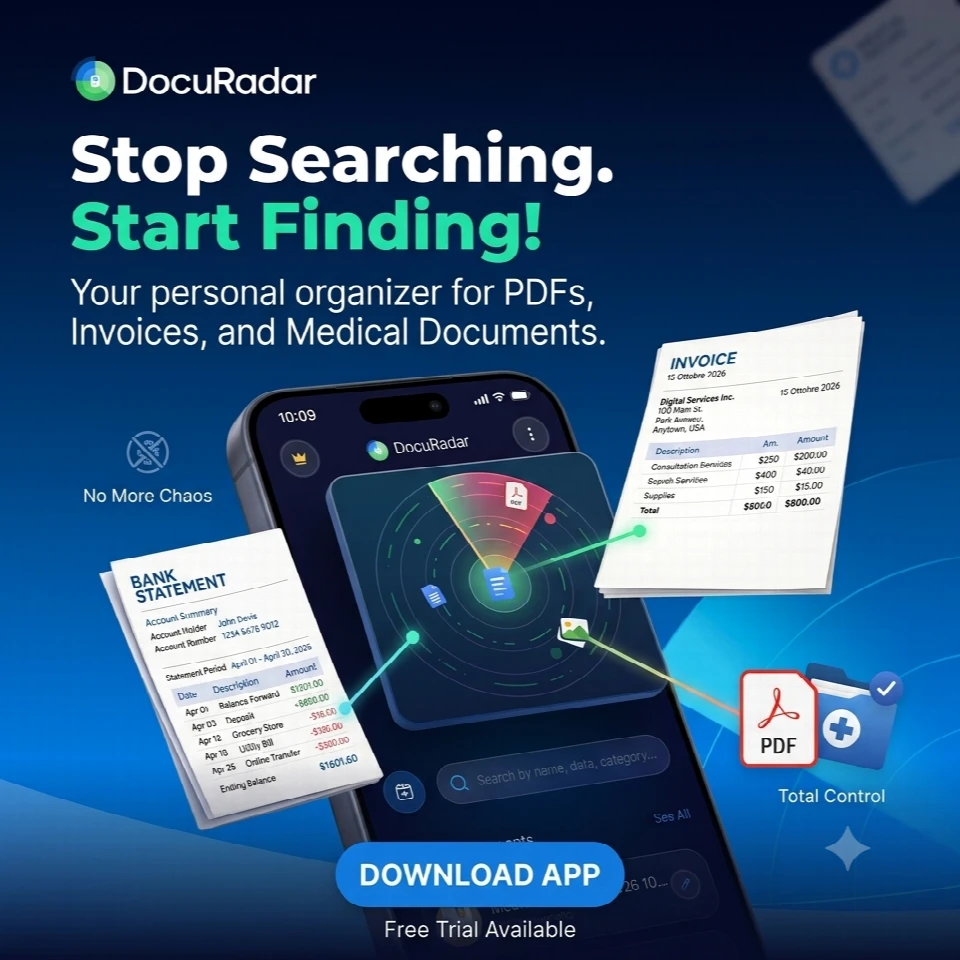
A document-management system that can search based on information associated with the document gives you more ways to retrieve it.
DocuRadar is designed so users can enter terms they remember from the document rather than depending exclusively on filenames.


Create a Single Home for Important Documents
The easiest way to avoid future searches across five different applications is to create a rule.
Important document?
Save it in DocuRadar®
It does not matter where it arrived from.
Email becomes the delivery method, not the archive.
WhatsApp becomes the delivery method, not the archive.
The photo gallery becomes the capture method, not the archive.
Downloads become temporary storage, not the archive.
Once you start thinking this way, document retrieval becomes much simpler.
Rename Documents While the Context Is Fresh
Imagine downloading a document today.
At this moment, you know exactly what it is.
Three years from now, that context will be gone.
Renaming a file immediately is much easier than trying to understand it later.
Docuradar® automatically assigns a name based on the content of the document..
Instead of:
scan_4927.pdf
DocuRadar® put the name:
Home Insurance Policy 2026
or:
Mechanic Invoice Brake Service 2026
If your document-management application can propose meaningful names automatically, even better.
DocuRadar® is designed to analyze documents and suggest context-related titles, which reduces the amount of manual filing required.
Use Categories as a Second Search Method
Search is useful, but sometimes browsing is faster.
Suppose you cannot remember a single useful word from a document.
You do remember it was related to your car.
Opening a Vehicle category immediately reduces the search space.
That is why categories and search work well together.
Search when you remember content.
Browse categories when you remember context.
Useful personal categories can include Health, Finance, Home, Vehicle, Insurance, Identity, Work, and Receipts.
Save Important Dates With the Document
Occasionally the reason you are desperately searching for a file is not the document itself.
It is a date inside it.
Perhaps you want to know when your licence expires.
Maybe you need the renewal date of a contract.
Perhaps you need to remember when a home inspection is due.
An organized archive should make this information easier to act on.
DocuRadar® is designed to identify potentially relevant future dates and allow the user to create a reminder.
This reduces the chance of needing to rediscover the document simply to check a deadline.
Stop Depending on Your Memory
The purpose of a digital filing system is not to make you better at remembering where files are.
It is to make remembering unnecessary.
Your brain is good at remembering context.
“The invoice from that dentist.”
“The receipt for the television.”
“The plumber who repaired the bathroom.”
“The bank document about the account.”
Technology should handle the exact storage location.
That is the shift from a traditional file system to a more human-oriented document archive.
You know the document exists.
That is what makes the situation so frustrating.
You remember seeing it. You may even remember reading it. Perhaps you downloaded it, photographed it, received it in a message, or opened it from an email.
But now somebody needs it and you cannot remember where it went.
Modern smartphones give us enormous amounts of storage, yet important information can still feel impossible to retrieve.
The reason is fragmentation.
A single phone can contain documents in many different places, and each location has its own search system.
Understanding that fragmentation is the first step toward finding files faster.
Start by thinking about how the document probably reached you.
If it came from a colleague, friend, doctor, customer, or family member, it may have arrived through a messaging app. If it came from a bank, insurance provider, online service, purchase, or professional organization, email may be more likely.
If you downloaded it from a website, check your Downloads folder or file manager. If somebody gave you a physical document, you may have photographed or scanned it.
Thinking about the document’s origin can significantly narrow your search. However, memory becomes less reliable over time, which is why keeping important documents in a dedicated archive can make them much easier to find later.
Avoid searching only for generic words such as “document” or “PDF.”
Instead, use information connected to the document, such as:
The sender’s name
The company or organization
The email subject
An invoice or reference number
An approximate date
An unusual word related to the document
For example, if you are looking for an invoice from a dental clinic, searching for the dentist’s or clinic’s name may be more effective than searching for “invoice.”
Once you find an important attachment, consider saving it in a dedicated document archive so you do not have to repeat the same search in the future.
If you know who probably sent the document, start by opening that conversation or group.
Search for relevant words and check the conversation’s shared files, documents, links, or media.
The challenge is that every messaging platform acts as a separate storage environment. Finding something in WhatsApp does not help you search your email, photo gallery, Downloads folder, or another messaging app.
For important documents, it is therefore useful to move files from messaging apps into one central archive.
Check your phone’s Downloads folder and file-management application.
If you remember part of the filename, search for it directly. If you do not remember the name, try sorting or browsing files by date, especially if you remember approximately when the document was downloaded.
File managers work well when documents have meaningful filenames. They are less useful when files are called things like:
document_4927.pdf
scan_0048.pdf
or contain long numerical strings.
This is why meaningful document names are important for future retrieval.
Many important “documents” are stored as photographs rather than PDFs.
You may have photographed a:
Passport
Receipt
Medical report
Business card
Prescription
Invoice
Contract
These images can easily become buried among thousands of ordinary photos.
Try narrowing your gallery search by date, album, or any built-in image-search functionality. Once you find an important document image, consider moving it into a dedicated document-management system.
Your photo gallery can be a useful capture point, but it does not have to be your permanent document archive.
This is a common problem and one of the ideas behind DocuRadar®.
People often remember the content or context of a document much better than its filename.
For example, you may not remember whether an old medical invoice was called:
Invoice_2192.pdf
or:
Doctor_2026.pdf
But you may remember details such as:
Dr. Anderson
Dental clinic
Root canal
Dentist
€250
Those details can be far more useful than the original filename.
DocuRadar® is designed to help users search using information they remember from a document instead of relying exclusively on filenames.
Keeping important documents in one archive prevents you from having to search across email, messaging apps, Downloads, photo galleries, and other storage locations.
A simple rule can make document management much easier:
If a document is important, save it in DocuRadar®.
This changes the role of the apps you already use:
Email becomes the delivery method, not the archive.
WhatsApp becomes the delivery method, not the archive.
Your photo gallery becomes the capture method, not the archive.
Downloads become temporary storage, not the archive.
DocuRadar® becomes the central place where important documents can be organized and retrieved.
Yes. Renaming documents while the context is still fresh can make them much easier to understand years later.
Today, you may immediately recognize a file called:
scan_4927.pdf
Three years from now, that filename may mean nothing to you.
A meaningful title such as:
Home Insurance Policy 2026
or:
Mechanic Invoice – Brake Service 2026
provides much more context.
DocuRadar® is designed to analyze document content and suggest meaningful, context-related titles automatically, reducing the amount of manual filing required.
Yes. Search and categories complement each other.
Search is useful when you remember something specific about the contents of a document.
Categories are useful when you remember the general context but not the exact wording.
For example, you may not remember any specific words from a document, but you may remember that it was related to your car. Opening a Vehicle category immediately reduces the number of documents you need to check.
Useful personal document categories may include:
Health
Finance
Home
Vehicle
Insurance
Identity
Work
Receipts
A good document-management system allows you to both search and browse.
DocuRadar® is designed to identify potentially relevant future dates in documents and allow users to create reminders.
This can be useful for information such as:
Licence expiration dates
Insurance renewals
Contract renewal dates
Inspections
Appointments
Other document-related deadlines
Sometimes you are not searching for the document itself — you simply need to know an important date contained inside it.
Connecting reminders to documents can make that information easier to act on without repeatedly searching for the original file.
Human memory tends to remember context better than exact storage locations or filenames.
You may remember:
“The invoice from that dentist.”
“The receipt for the television.”
“The plumber who repaired the bathroom.”
“The bank document about the account.”
You are much less likely to remember the exact folder, app, filename, or date associated with the document.
A good digital filing system should therefore reduce the need to remember where a file was stored.
The goal is not to become better at remembering where your documents are.
The goal is to make remembering unnecessary.