How to Save Receipts Digitally
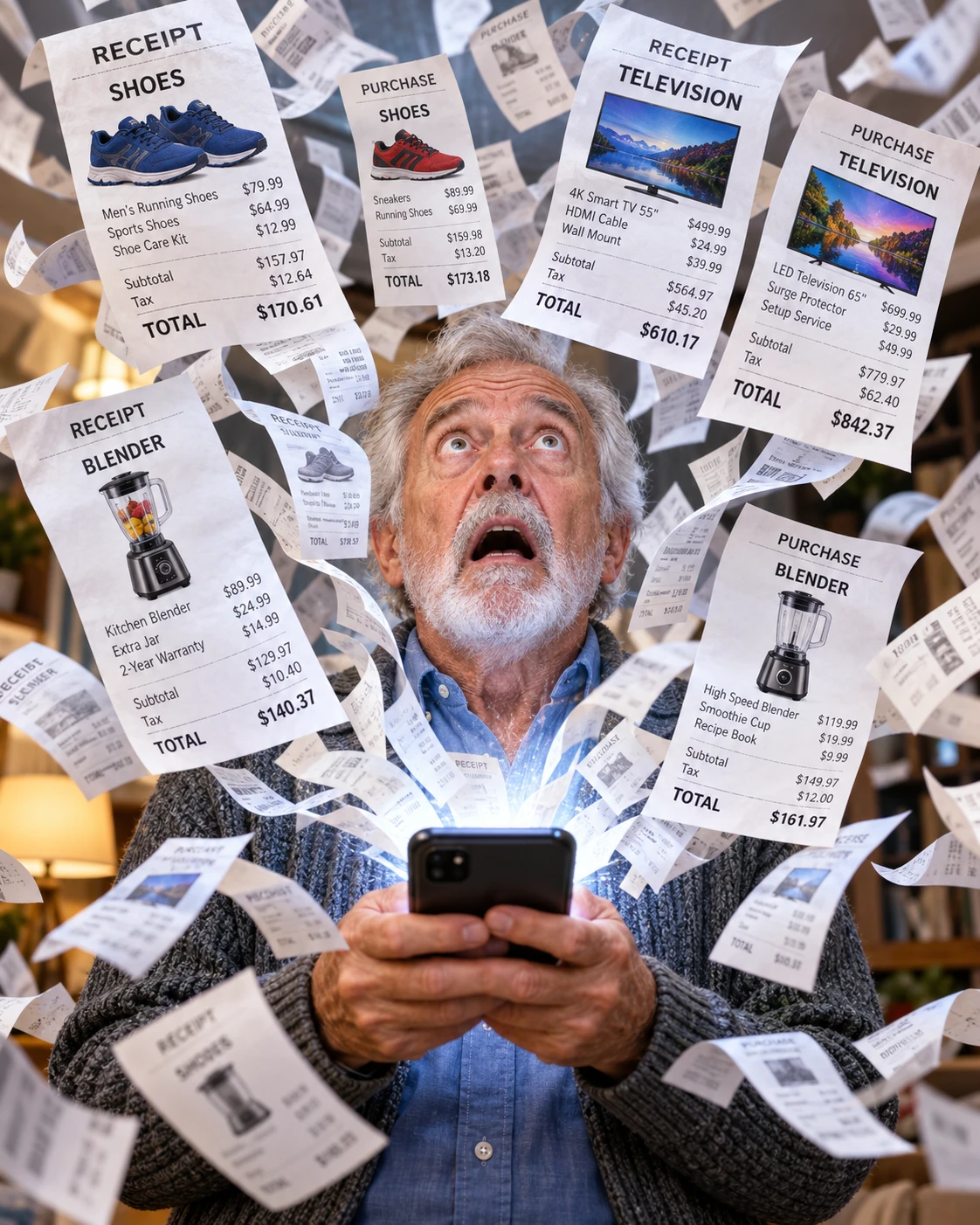
A receipt rarely feels important at the moment you receive it.
You buy something, take the receipt, put it in a wallet or shopping bag, and forget about it.
Then months later the product stops working.
Suddenly, that tiny piece of paper matters.
Now you need to remember where you put it.
That is the problem with receipt management: the document is often needed long after the moment when it was easiest to organize.
A digital receipt system solves that mismatch.
Scan Important Receipts Immediately
You do not need to preserve every coffee receipt for the rest of your life.
Focus on purchases where documentation may matter later.
Electronics.
Appliances.
Furniture.
Tools.
Repairs.
Expensive equipment.
Products covered by warranties.
Once the purchase is complete, scan the receipt while it is still in your hand.
This creates a simple routine:
Buy.
Scan.
Organize.
Forget about it until needed.
Give the Receipt Context
A photograph called IMG_48291.jpg is not enough.
When you need the receipt two years later, that filename tells you nothing.
Give the digital copy a name connected to the purchase.
For example:
Television Receipt - Samsung - 2026
Dishwasher Receipt - 2026
Laptop Purchase - 2026
Mechanic Brake Repair - 2026
The exact format can vary.
Clarity is what matters.
DocuRadar® is designed to suggest meaningful names automatically based on document context.


Save Warranty Information With the Receipt
A receipt often makes more sense when connected with the warranty or product documentation.
If you receive both, keep them logically associated.
This prevents the situation where you find the receipt but cannot locate the warranty conditions, or vice versa.
A dedicated Receipts and Warranties category can make this straightforward.
Search by Product, Store, or Brand
Imagine that three years from now your washing machine needs service.
You may not remember when you purchased it.
You probably remember the brand.
You may remember the store.
You certainly know the product.
Those are useful search terms.
A content-oriented archive lets you search from whatever fragment of memory remains.
That is far easier than scrolling through years of photographs.
Keep Repair Receipts Too
The value of receipt organization does not end with purchases.
Repairs create important documents.
A mechanic.
A plumber.
An electrician.
An appliance technician.
Keeping those receipts creates a service history.
If the same problem returns, you can see what was previously done and when.
Protect Financial Information
Receipts may contain information related to your purchases and payments.
Store them in a controlled archive rather than scattering them across messaging apps and galleries.
Apply sensible phone security.
Share only when necessary.
Add Reminders Where Useful
Some documents associated with purchases contain future dates.
A service interval.
A renewal.
A warranty-related deadline.
A maintenance recommendation.
Where a date matters, connect it with a reminder rather than assuming you will remember it months later.
DocuRadar’s® workflow is designed to surface potentially relevant dates and let the user decide whether a reminder should be created.
Avoid the “Random Receipt Folder”
A folder containing 600 images named with random numbers is technically digital but practically disorganized.
A good receipt archive should be searchable.
Names should make sense.
Categories should be predictable.
Important associated information should stay together.
Digitization should reduce friction, not simply replace one pile with another.
Make the Habit Automatic
The hardest part is remembering to scan.
The easiest solution is attaching the behavior to the purchase itself.
When you buy something you would care about if it broke tomorrow, scan the receipt before you put it away.
Once that becomes routine, your receipt archive builds itself gradually.
Years later, the benefit becomes obvious.
Instead of searching drawers, envelopes, boxes, wallets, and old emails, you search one digital archive.
That is exactly when those few seconds of organization become valuable.
The simplest way to save receipts digitally is to scan or photograph important receipts as soon as you receive them.
A useful routine is:
Buy → Scan → Organize → Store
Doing this immediately prevents receipts from getting lost in wallets, shopping bags, drawers, or old emails. Once the receipt is stored digitally, you can forget about it until you actually need it.
You do not need to keep every small everyday receipt forever.
Focus on purchases where proof of purchase may be useful later, such as:
Electronics
Appliances
Furniture
Tools
Expensive equipment
Repairs and maintenance
Products covered by warranties
A good rule is to save the receipt whenever you would care about finding it again if the product stopped working tomorrow.
Ideally, scan the receipt immediately after completing the purchase.
The longer you wait, the more likely the receipt is to end up in a wallet, bag, drawer, or other place where it may eventually be forgotten or lost.
Scanning it while it is still in your hand turns receipt organization into a simple habit rather than a future task.
Avoid keeping receipts with filenames such as IMG_48291.jpg.
A filename should tell you what the document is without requiring you to open it.
For example:
Television Receipt - Samsung - 2026
Dishwasher Receipt - 2026
Laptop Purchase - 2026
Mechanic Brake Repair - 2026
There is no single correct naming system. What matters is that the filename gives the receipt enough context to be recognizable months or years later.
DocuRadar is designed to suggest meaningful document names automatically based on the content of the document.
Yes. When a product has both a purchase receipt and warranty documentation, it is useful to keep them logically associated.
A receipt may prove when and where you purchased the product, while the warranty explains the applicable coverage and conditions.
Keeping both documents together helps avoid situations where you can find the receipt but not the warranty information, or vice versa.
A dedicated Receipts and Warranties category can make these documents easier to manage.
A well-organized digital archive should allow you to search using information you are likely to remember.
For example, if your washing machine needs service three years after purchase, you might not remember the exact purchase date. However, you may remember:
The product
The brand
The store
The type of document
These details can become useful search terms.
A content-oriented digital archive makes this much easier than scrolling through years of photos looking for an image of a receipt.
Yes. Repair receipts can be just as important as purchase receipts.
This includes documents from:
Mechanics
Plumbers
Electricians
Appliance technicians
Other repair or maintenance professionals
Keeping repair receipts creates a useful service history.
If the same problem occurs again, you can check what work was previously performed, when it was completed, and potentially who carried it out.
Receipts can contain information about your purchases and payments, so they should be stored thoughtfully.
Instead of leaving important receipts scattered across photo galleries, messaging apps, email attachments, and downloads folders, keep them in a controlled archive.
Use appropriate phone and account security, and share receipt documents only when necessary.
Yes. Some documents connected to purchases contain dates that may matter in the future.
Examples include:
Service intervals
Warranty deadlines
Renewals
Scheduled maintenance
Recommended inspections
When a date may require future action, creating a reminder is more reliable than assuming you will remember it months later.
DocuRadar’s workflow is designed to identify potentially relevant dates and allow the user to decide whether a reminder should be created.
Not necessarily.
A folder containing hundreds of receipt photos with random filenames is technically a digital archive, but it may still be difficult to use.
A practical receipt archive should have:
Searchable documents
Meaningful filenames
Predictable categories
Related receipts and warranties kept together
Enough context to identify documents quickly
Digitization should reduce the effort required to find documents, not simply replace a physical pile with a digital one.
A simple organization system is usually the most sustainable.
You can organize receipts by category, product type, year, or purpose. For important purchases, it is particularly useful to keep the receipt together with related documents such as warranties, manuals, repair invoices, or service records.
The goal is not to create a complicated filing system. The goal is to make important documents easy to retrieve when you need them.
Connect the action directly to the purchase.
Whenever you buy something important enough that you would want proof of purchase if it broke, scan the receipt before putting it away.
That small habit allows your digital receipt archive to grow naturally over time.
Years later, instead of searching through drawers, envelopes, wallets, boxes, photo galleries, and old emails, you can search one organized digital archive.
That is when a few seconds spent organizing a receipt become genuinely valuable.